Convert PDF bank statements into Excel-ready data.You choose where it runs

Convert PDF bank statements into Excel-ready data. You choose where it runs

Run it on your own computer, or use our encrypted cloud where files auto-delete in 24 hours. Launching June 2026

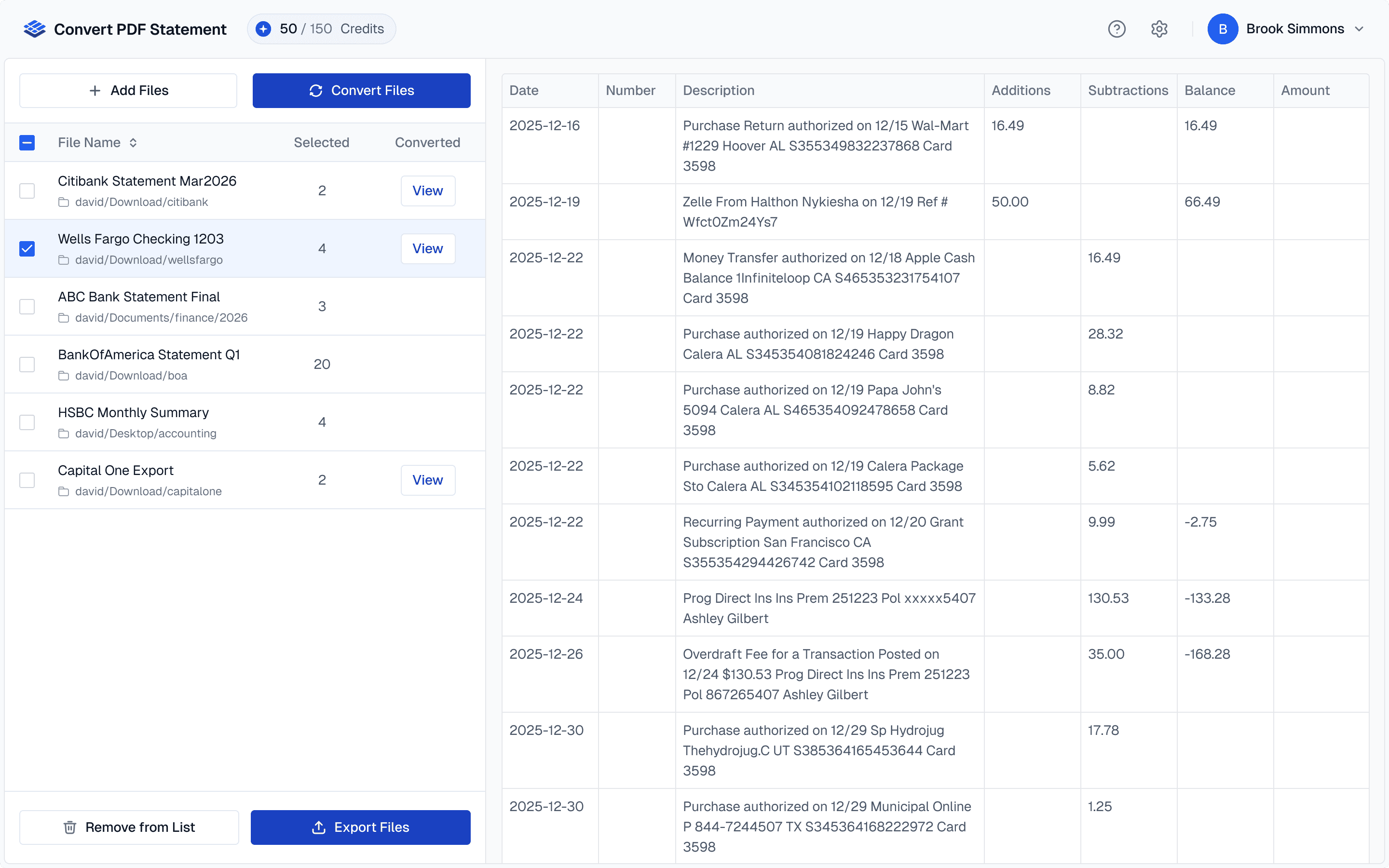
Picture of the Stasis dashboard.

The Problem

Still Copying Transactions by Hand?

Still Copying Transactions by Hand?

You know how it goes. A client sends over their bank statements as PDFs. You open each one and start typing transactions into a spreadsheet. Row by row, page by page. It takes hours, and one missed digit can throw off an entire reconciliation.

There are tools out there that can help, but most require uploading sensitive client data to someone else's servers. You need something that works fast without asking you to compromise on where your clients' data ends up.

How it works

Three Steps.
That's It.

Three Steps.
That's It.

Upload your statement, choose the pages you need, and download clean, structured data in seconds.

Upload your statement, choose the pages you need, and download clean, structured data in seconds.

1

Upload Your Statement

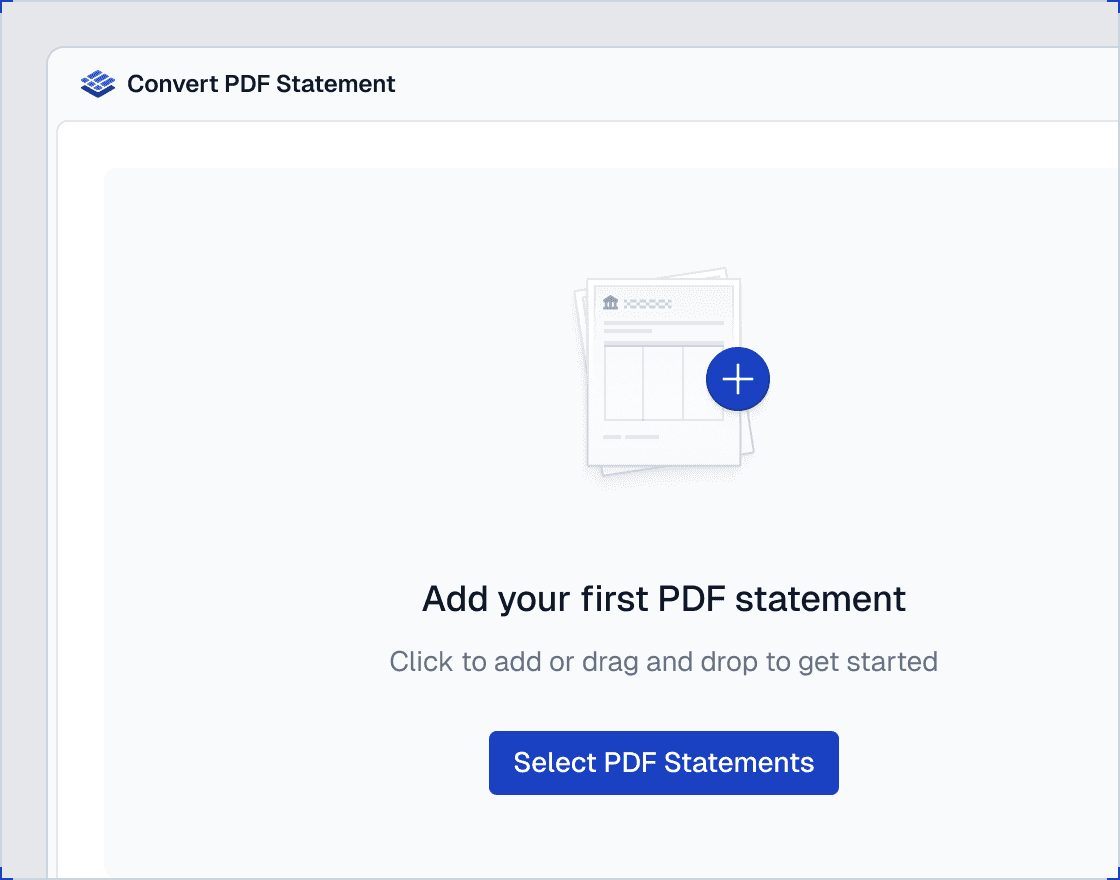
Drag and drop any PDF bank statement, whether it's a digital file or a scanned paper copy. Both are handled automatically.

1

Upload Your Statement

Drag and drop any PDF bank statement, whether it's a digital file or a scanned paper copy. Both are handled automatically.

2

Select the Pages You Need (Optional)

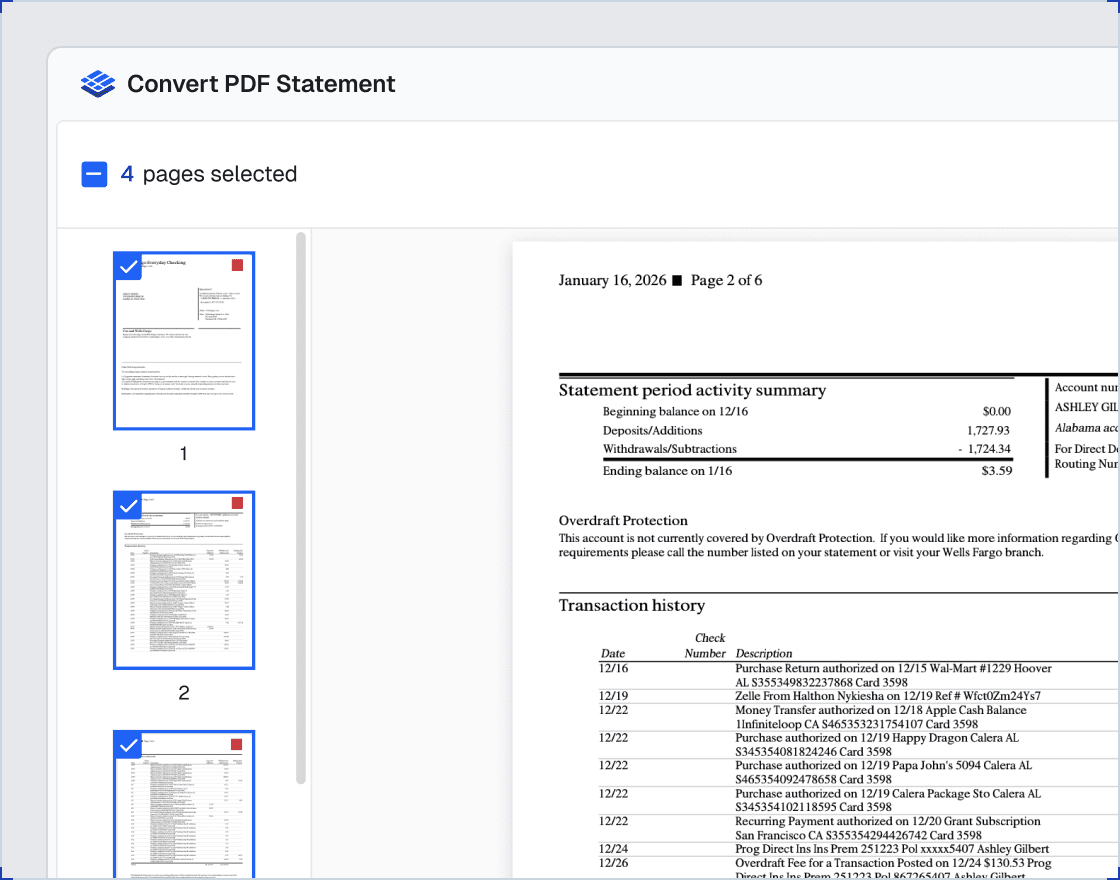
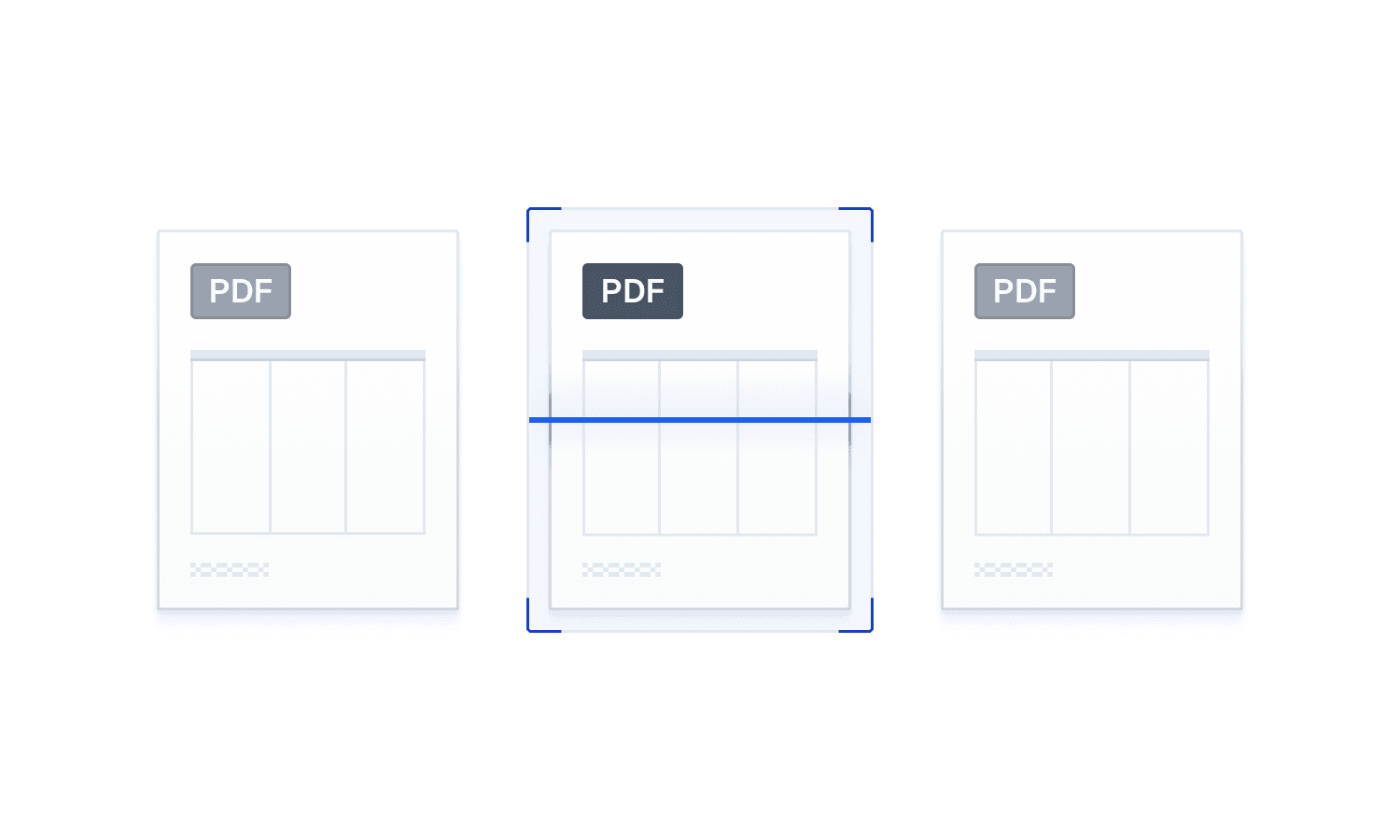
Preview every page and pick only the ones with transactions. Skip cover pages, disclosures, and summaries so you only export the data that matters.

2

Select the Pages You Need (Optional)

Preview every page and pick only the ones with transactions. Skip cover pages, disclosures, and summaries so you only export the data that matters.

3

Download Clean Data

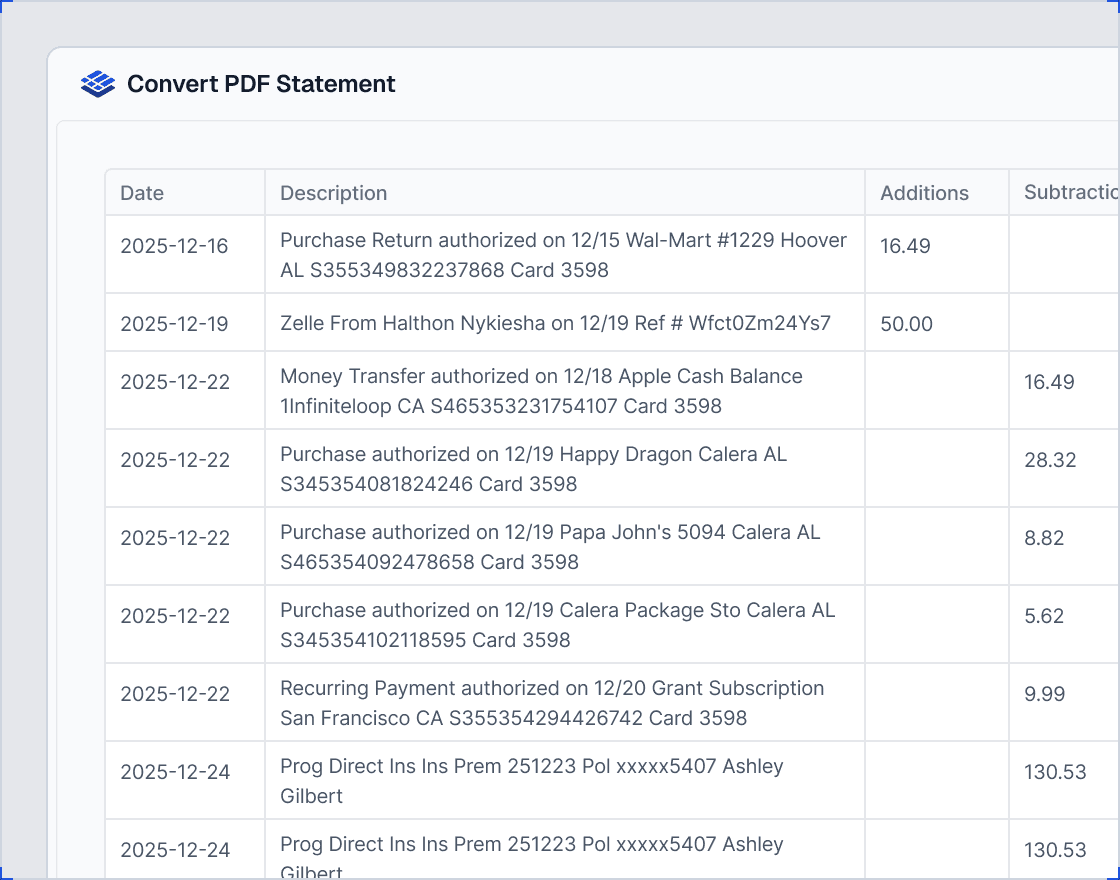
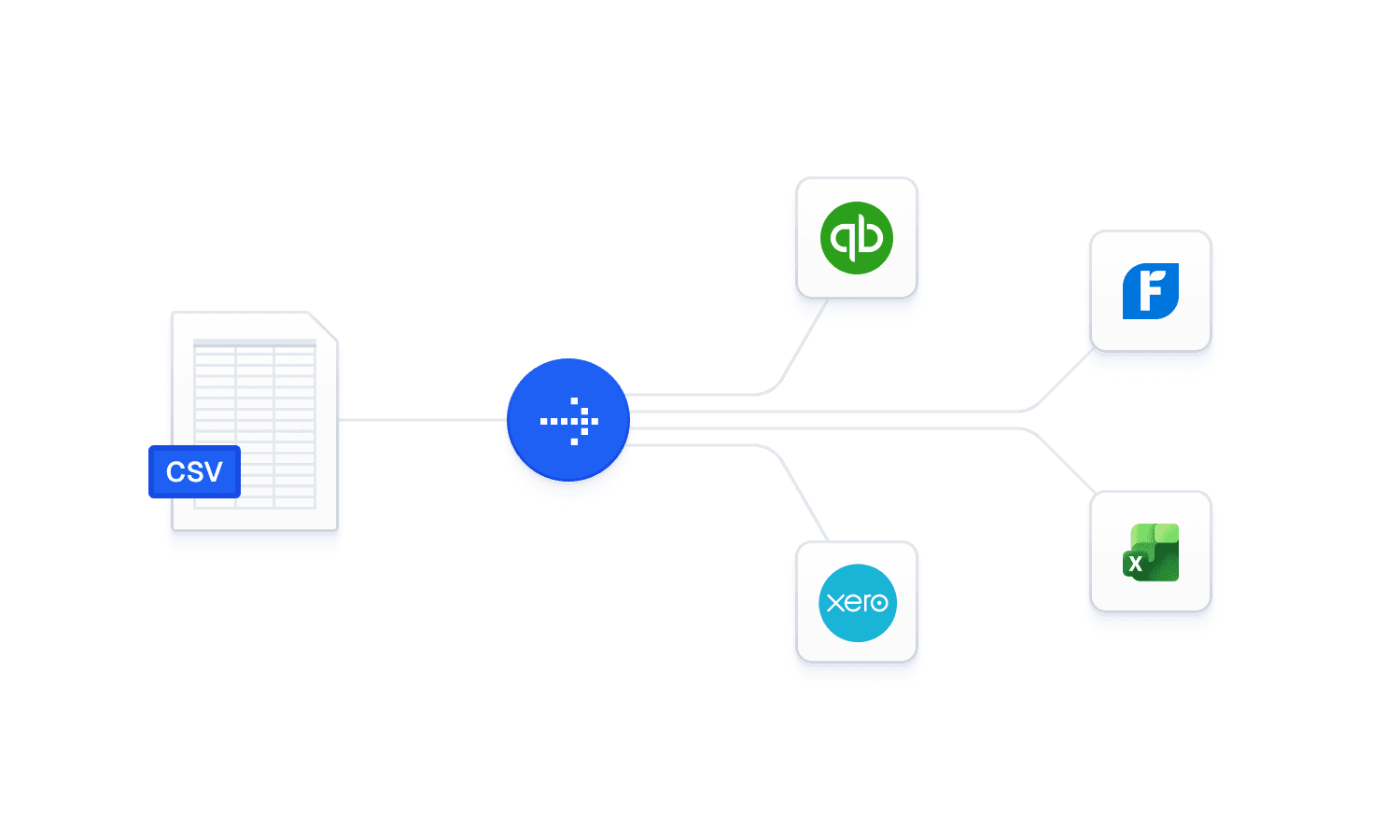
Get a structured excel-ready file that matches the table format of your bank statement. Ready to import into QuickBooks, Xero, FreshBooks, or open in Excel.

3

Download Clean Data

Get a structured excel-ready file that matches the table format of your bank statement. Ready to import into QuickBooks, Xero, FreshBooks, or open in Excel.

Feature

Built for Accountants Who Care About Accuracy and Privacy
Runs On Your Own Computer

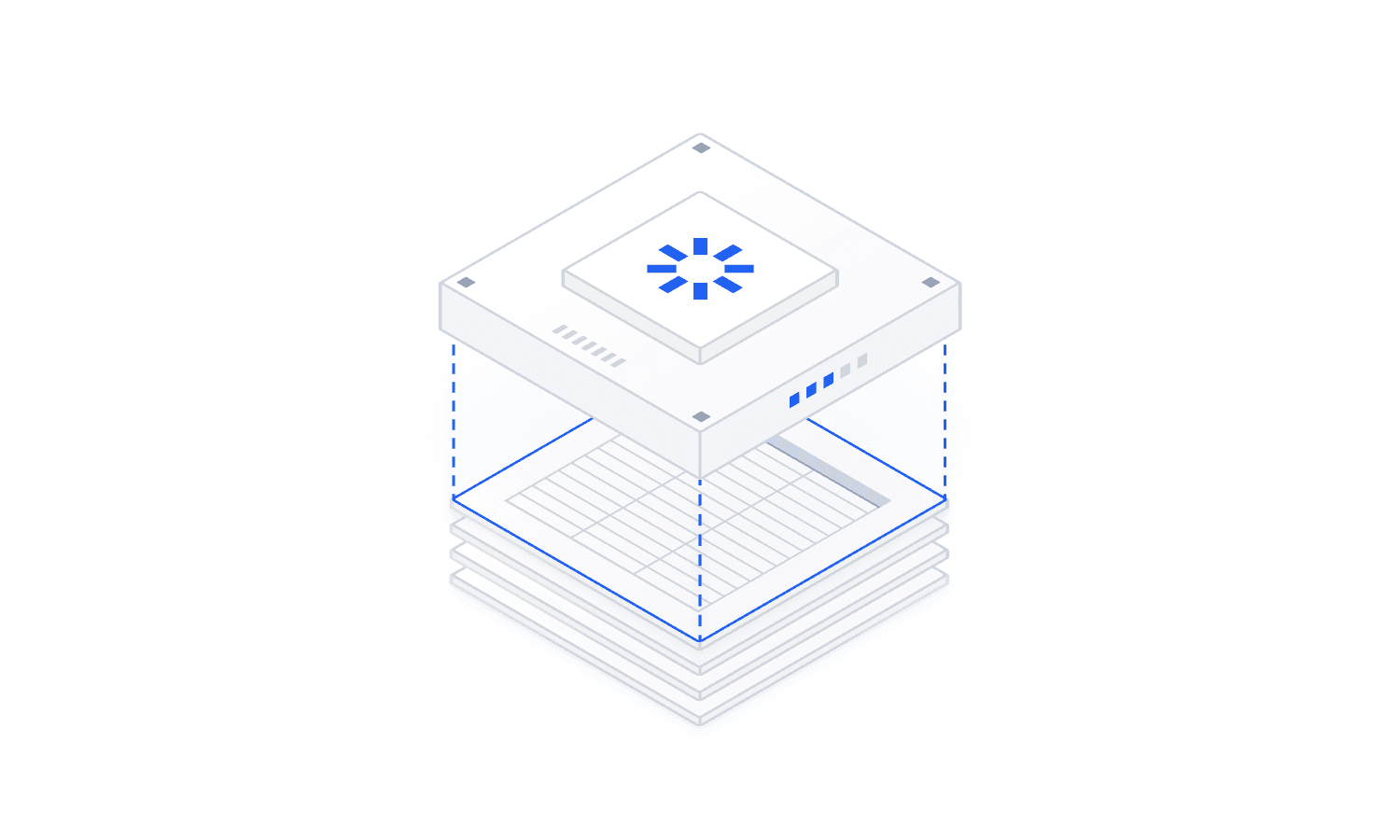
Install on your Windows or Mac with a single click. Client data stays on your computer and processing happens locally. No AI is involved. Your data never goes to a machine learning model.

Runs On Your Own Computer

Install on your Windows or Mac with a single click. Client data stays on your computer and processing happens locally. No AI is involved. Your data never goes to a machine learning model.

Runs On Your Own Computer

Install on your Windows or Mac with a single click. Client data stays on your computer and processing happens locally. No AI is involved. Your data never goes to a machine learning model.

Encrypted Cloud Option

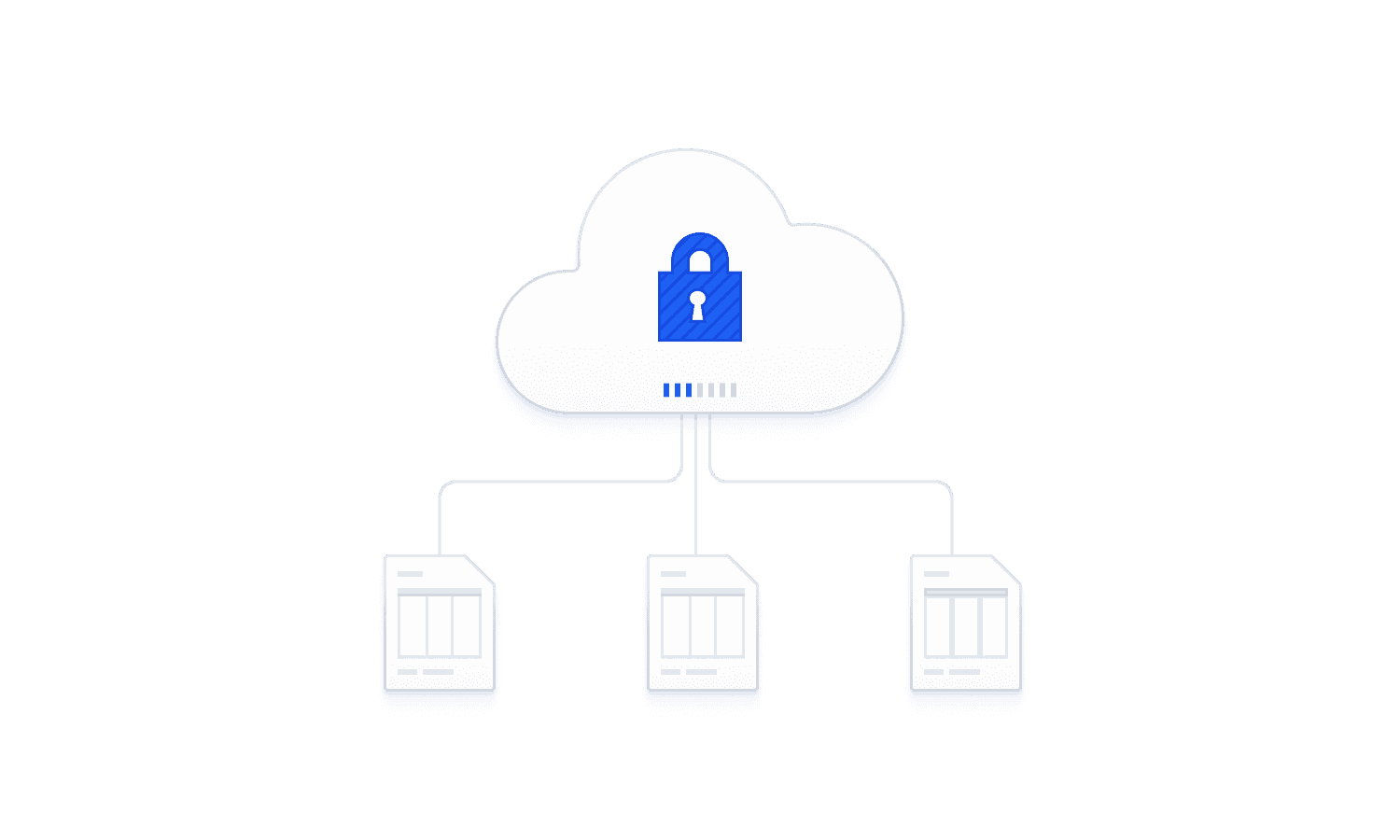
Prefer not to install anything? Use our secure cloud instead. Your files are encrypted during upload and automatically deleted within 24 hours. Nothing is stored long-term.

Encrypted Cloud Option

Prefer not to install anything? Use our secure cloud instead. Your files are encrypted during upload and automatically deleted within 24 hours. Nothing is stored long-term.

Encrypted Cloud Option

Prefer not to install anything? Use our secure cloud instead. Your files are encrypted during upload and automatically deleted within 24 hours. Nothing is stored long-term.

Handles Scanned Paper Statements

Got a stack of paper statements scanned to PDF? Convert PDF Statement processes them with built-in OCR. Accuracy is high, and a preview step lets you check results before downloading.

Handles Scanned Paper Statements

Got a stack of paper statements scanned to PDF? Convert PDF Statement processes them with built-in OCR. Accuracy is high, and a preview step lets you check results before downloading.

Handles Scanned Paper Statements

Got a stack of paper statements scanned to PDF? Convert PDF Statement processes them with built-in OCR. Accuracy is high, and a preview step lets you check results before downloading.

Batch Processing

Upload dozens of statements at once. Process them all in a single run and download each result individually. Great for firms managing multiple clients each month.

Batch Processing

Upload dozens of statements at once. Process them all in a single run and download each result individually. Great for firms managing multiple clients each month.

Batch Processing

Upload dozens of statements at once. Process them all in a single run and download each result individually. Great for firms managing multiple clients each month.

Spreadsheet-Ready Output

Get clean CSV files matching your bank statement's table format, ready to open in Excel or import into QuickBooks, Xero, FreshBooks, and most accounting software. No reformatting.

Spreadsheet-Ready Output

Get clean CSV files matching your bank statement's table format, ready to open in Excel or import into QuickBooks, Xero, FreshBooks, and most accounting software. No reformatting.

Spreadsheet-Ready Output

Get clean CSV files matching your bank statement's table format, ready to open in Excel or import into QuickBooks, Xero, FreshBooks, and most accounting software. No reformatting.

Growing Bank Coverage

Supports Chase, Bank of America, Wells Fargo, Citi, US Bank, PNC, Truist, Capital One, TD, and Fifth Third. A fallback parser handles most US bank formats. New banks added regularly.

Growing Bank Coverage

Supports Chase, Bank of America, Wells Fargo, Citi, US Bank, PNC, Truist, Capital One, TD, and Fifth Third. A fallback parser handles most US bank formats. New banks added regularly.

Growing Bank Coverage

Supports Chase, Bank of America, Wells Fargo, Citi, US Bank, PNC, Truist, Capital One, TD, and Fifth Third. A fallback parser handles most US bank formats. New banks added regularly.

Trust & Security

Your Clients' Data Stays Where It Belongs: With You

Local Desktop Processing

With the Desktop option, everything runs directly on your device. Your clients' bank data never leaves your network. All processing happens locally on your own hardware.

Secure Cloud Conversion

If you choose the cloud option, your files are encrypted on upload and automatically deleted within 24 hours. Nothing is stored, nothing is retained.

Built by Banking Experts

Built by a team that has worked in the banking industry. We understand client confidentiality and the trust your clients place in you.

FAQ

Answers to Your Questions

How accurate is the extraction?

For digital PDFs, accuracy is near-perfect. For scanned documents, accuracy is high thanks to built-in OCR processing. In both cases, a built-in preview step lets you spot-check the results before downloading.

Which banks are supported?

At launch, we support Chase, Bank of America, Wells Fargo, Citi, US Bank, PNC, Truist, Capital One, TD, and Fifth Third. A fallback parser also handles most other US bank statement formats. More banks are being added on an ongoing basis.

Does my data get sent to your servers?

That's up to you. If you use the desktop option, your data never leaves your device. Everything is processed on your computer. If you use the cloud option, your files are encrypted during upload and automatically deleted within 24 hours. Either way, no AI processes your data at any point. Your financial information is never fed to any machine learning model.

What file format do I get?

You get a file that opens directly in Excel. Just double-click and it's ready to use. It also imports into QuickBooks, Xero, FreshBooks, and most other accounting software. (The format is CSV, the standard data format that virtually all accounting and spreadsheet software can read.)

Does it work with QuickBooks and Xero?

Yes. The CSV output is formatted for direct import into QuickBooks, Xero, FreshBooks, and most other accounting software that accepts CSV bank transaction files.

How is this different from other bank statement converters?

Convert PDF Statement offers both a desktop app for local processing and an encrypted cloud option. Most alternatives are cloud-only. If you need control over where your data is processed, that flexibility matters.

Your Bank Statement Workflow Is About to Get a Whole Lot Easier

Your Bank Statement Workflow Is About to Get a Whole Lot Easier

Launching June 2026. Sign up now to be first in line.

Launching June 2026. Sign up now to be first in line.